Keep track of tables and service
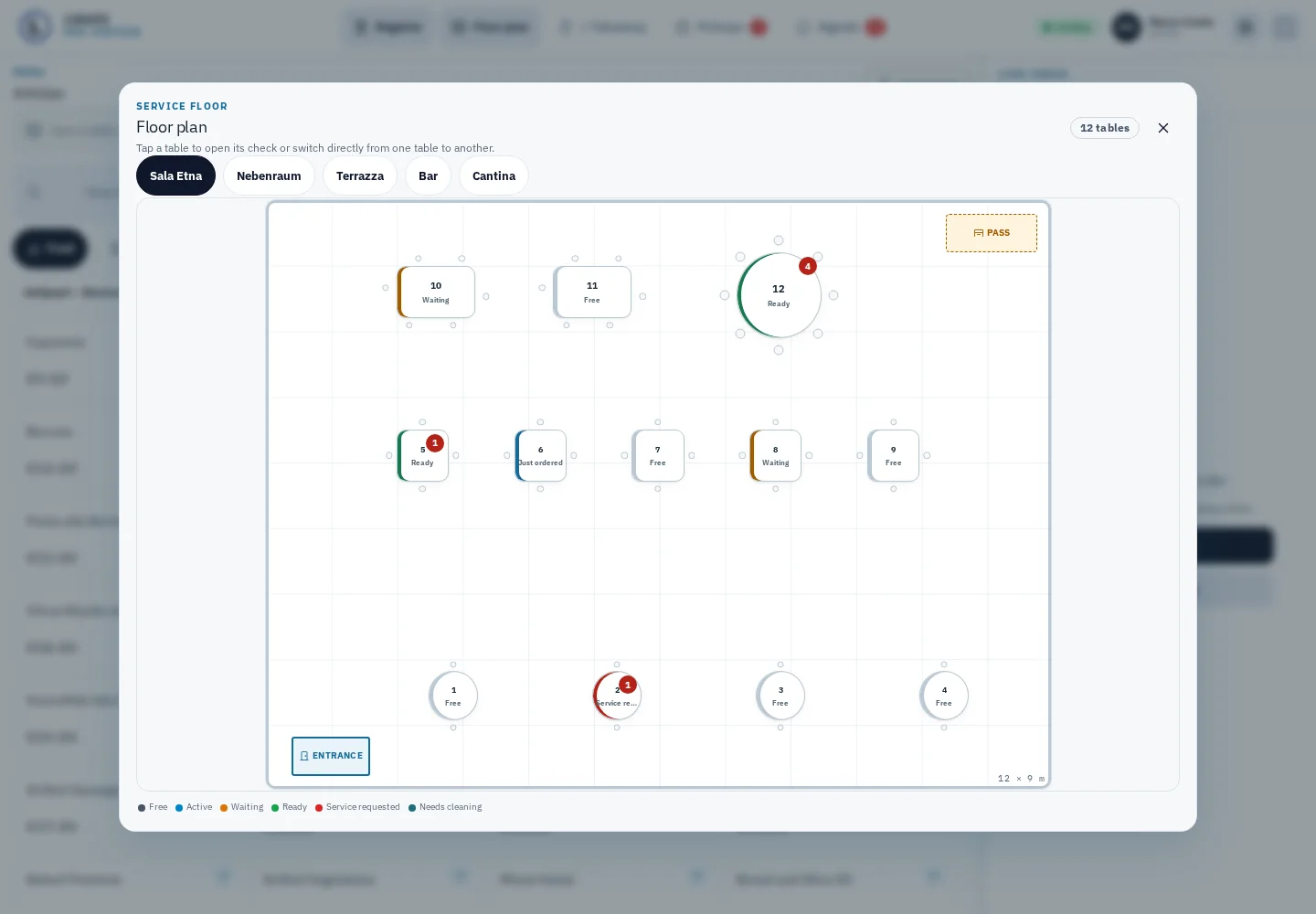
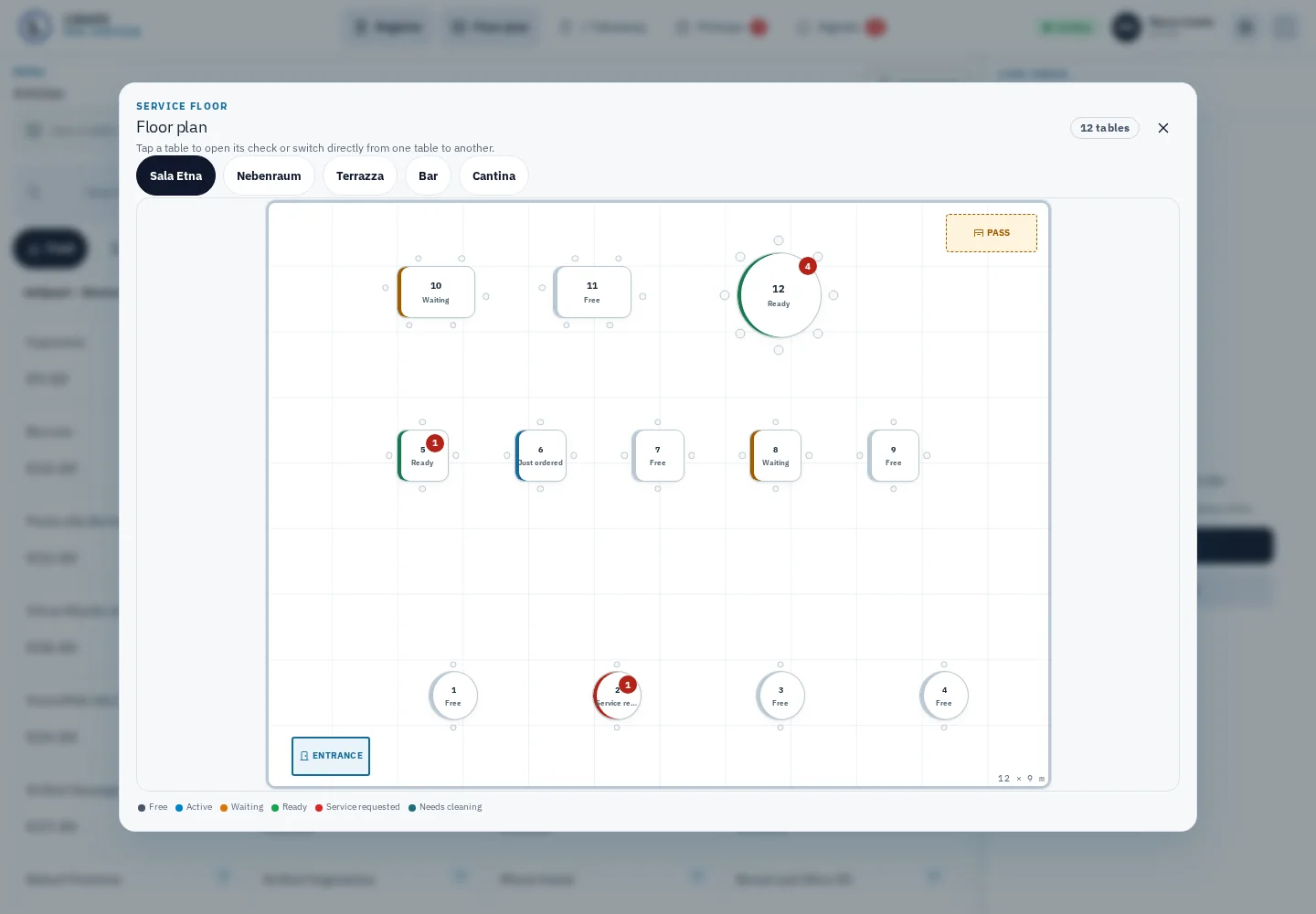
Floor plans, open tabs and guest counts help your team stay oriented. Take orders, add extras, recall the last round or move items to another table.

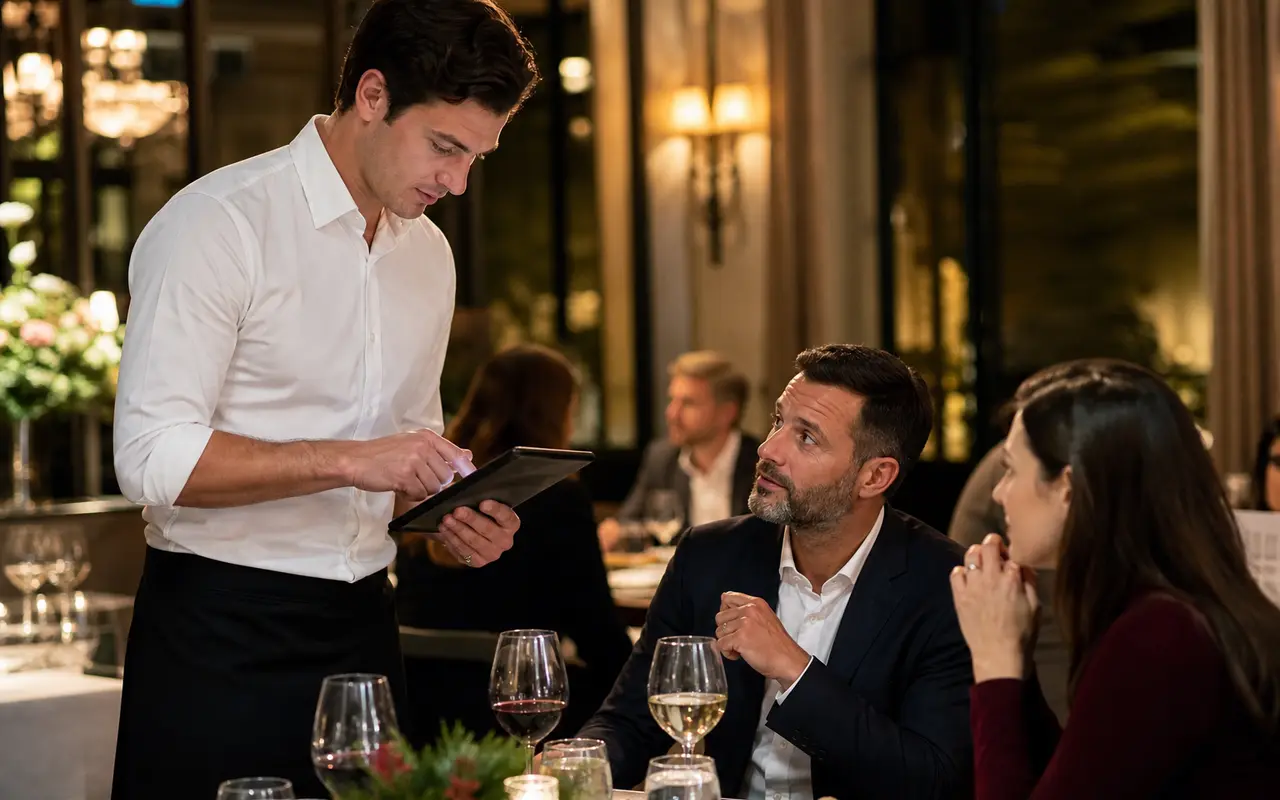
From the first drink to closing time: LidoOS POS connects service, counter, kitchen and guests. Run it in the cloud or on a local POS Box, with the shared menu and capabilities of LidoOS Nova.
Staff take orders on mobile devices, the kitchen sees its tickets and checkout brings payments and receipts together. You choose the workstations and guest features your venue needs.
Operating mode
LidoOS POS is one product with one set of features. The box adds exactly two things: operation when the internet is down, and the connection to your printers and devices on the local network. Everything else is the same either way.
Manage your menu, spaces and team centrally.
Order at the table, counter or through an enabled QR service.
Send orders to the right station.
Settle bills, issue receipts and review the day.
Floor plans, open tabs and guest counts help your team stay oriented. Take orders, add extras, recall the last round or move items to another table.
Orders reach the relevant station. Kitchen display, printed tickets or both: teams see progress and staff can see when food is ready.
Split bills by items, guests or amount. Tips, discounts and reasoned voids fit into the checkout workflow, controlled by staff permissions.
Quick checkout for counter sales, takeaway orders and a dedicated kiosk surface. Choose which items appear in each sales channel.
Integrate cash, configured card terminals and vouchers. Offer printed receipts or digital e-receipts; payment and fiscal functions are configured for your venue.
X/Z closings, cash book and reporting by payment method, operator or terminal. CSV and DATEV exports support further processing; accounting integrations depend on configuration.
Features depend on the modules enabled and your venue configuration. We agree payment providers, devices and availability in your country before you start.
We are building these pages one by one from real captures of the till. What is finished is linked.
Open tables, take orders, split the bill — service at the table and at the counter.
Find out moreWaiter handset, phone pickup, AI waiter and guest QR — every channel in the same POS.
Find out moreInstallation USB, LAN and printers, operation without internet, the support view.
Find out moreStation views, kitchen tickets and pickup status for kitchen, counter, bar and pass.
Find out moreReceipt designer, e-receipt, TSE signature, fiscal declaration and export routes for the audit.
Find out moreCash, terminal and voucher in the till workflow — with change, tips and reasoned voids.
Find out moreMenu by QR, order request, service call and bill — the guest at the table in the browser.
Find out moreMenu, vouchers, tickets and the AI waiter from Nova at the till.
Find out moreShort answers
The mobile service interface is part of LidoOS POS. It uses the same tables, items and bills as the fixed workstation. Handhelds do not need a separately maintained menu.
This depends on operating mode, workstations, hardware and additional Nova modules. We put together suitable terms. Payment providers and hardware may be billed separately.
LidoOS POS is designed for the German rules: certified cloud TSE via fiskaly and export of till data in DSFinV-K format for audits.
POS Cloud runs in the browser on a tablet or laptop. The POS Box is a local till computer for businesses that connect printers and terminals on site. LidoOS Connect links supported printers and card terminals.
With the POS Box, orders and kitchen workflows continue on the local network. POS Cloud needs the server connection for binding till transactions.
LidoOS POS is being tested with our pilot restaurant. General availability is planned for the first quarter of 2027; pre-registration is open now.
Tell us how you work: dining room, terrace, counter or self-service. Together we will define your operating mode, devices, Nova modules and terms.
Plan POS for my business