Staff take orders on mobile devices, the kitchen sees its tickets and checkout brings payments and receipts together. You choose the workstations and guest features your venue needs.
A reservation comes in. A dish sells out. The evening is over. With LidoOS Pronto, you can keep an eye on your restaurant from your phone, wherever your work takes you.
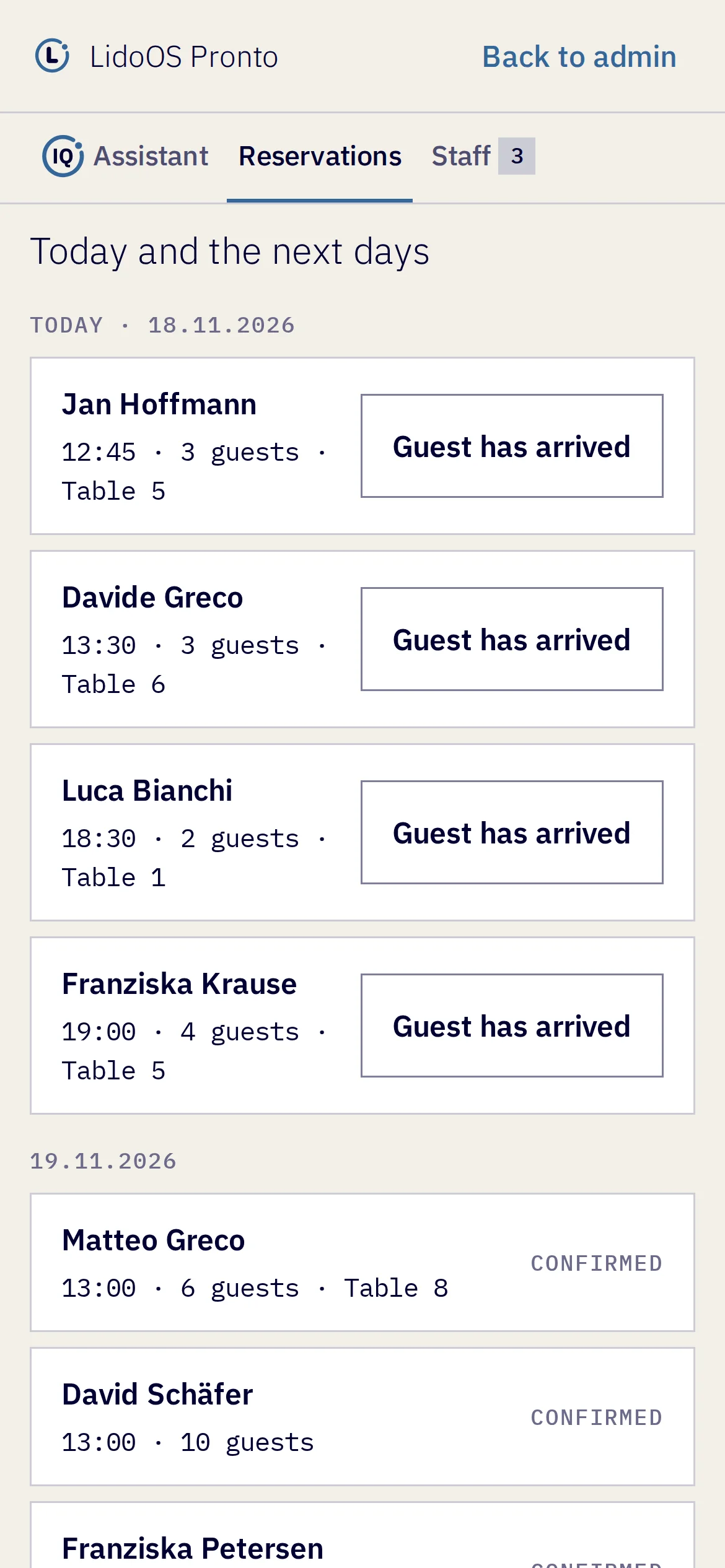
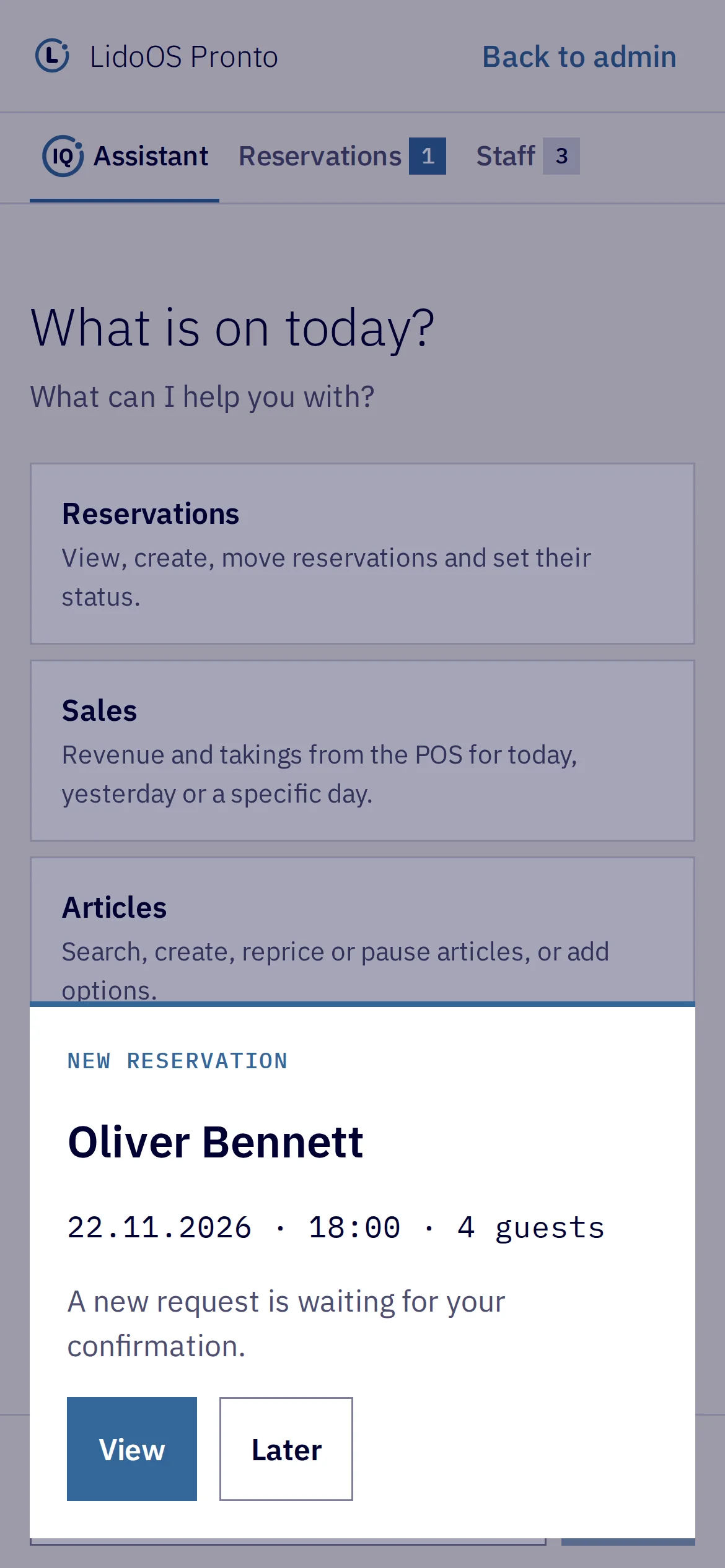
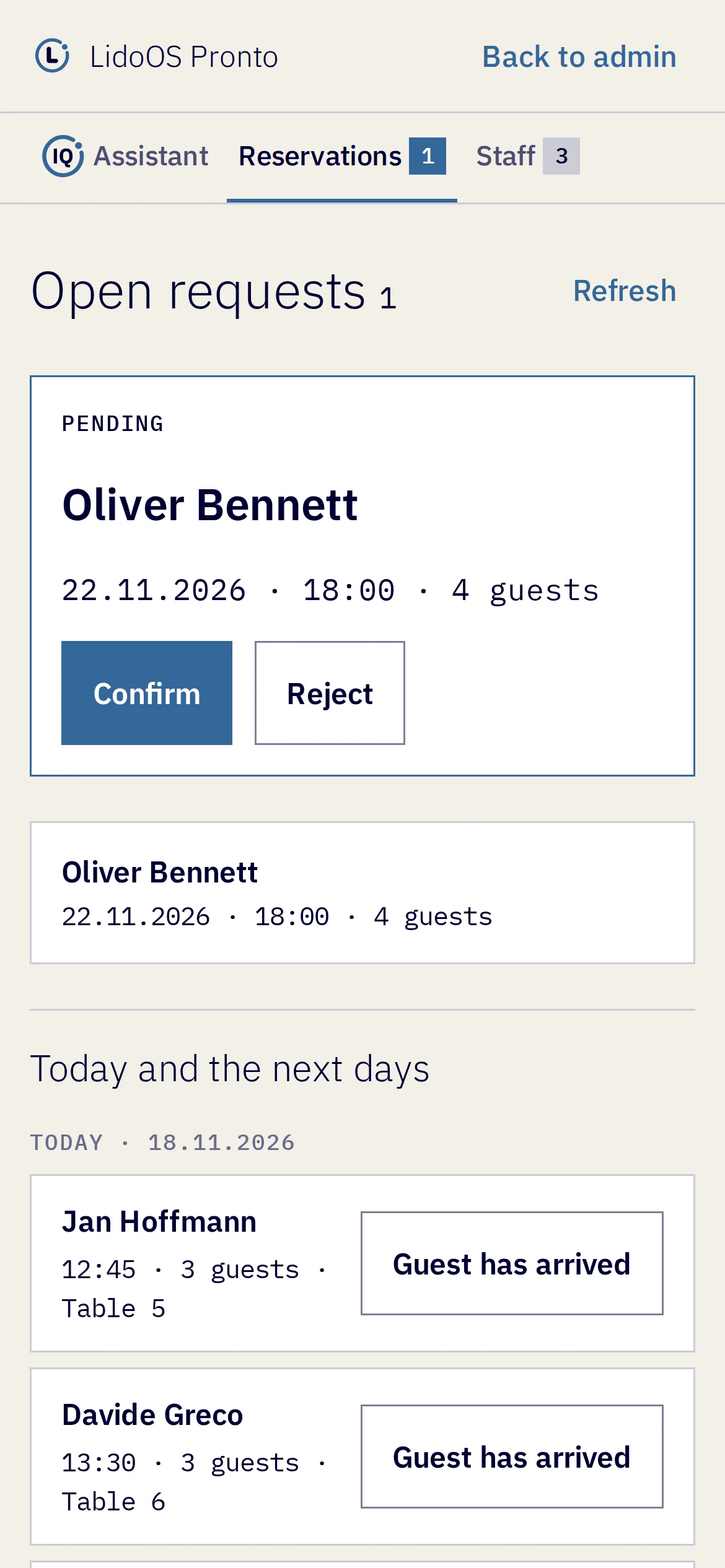
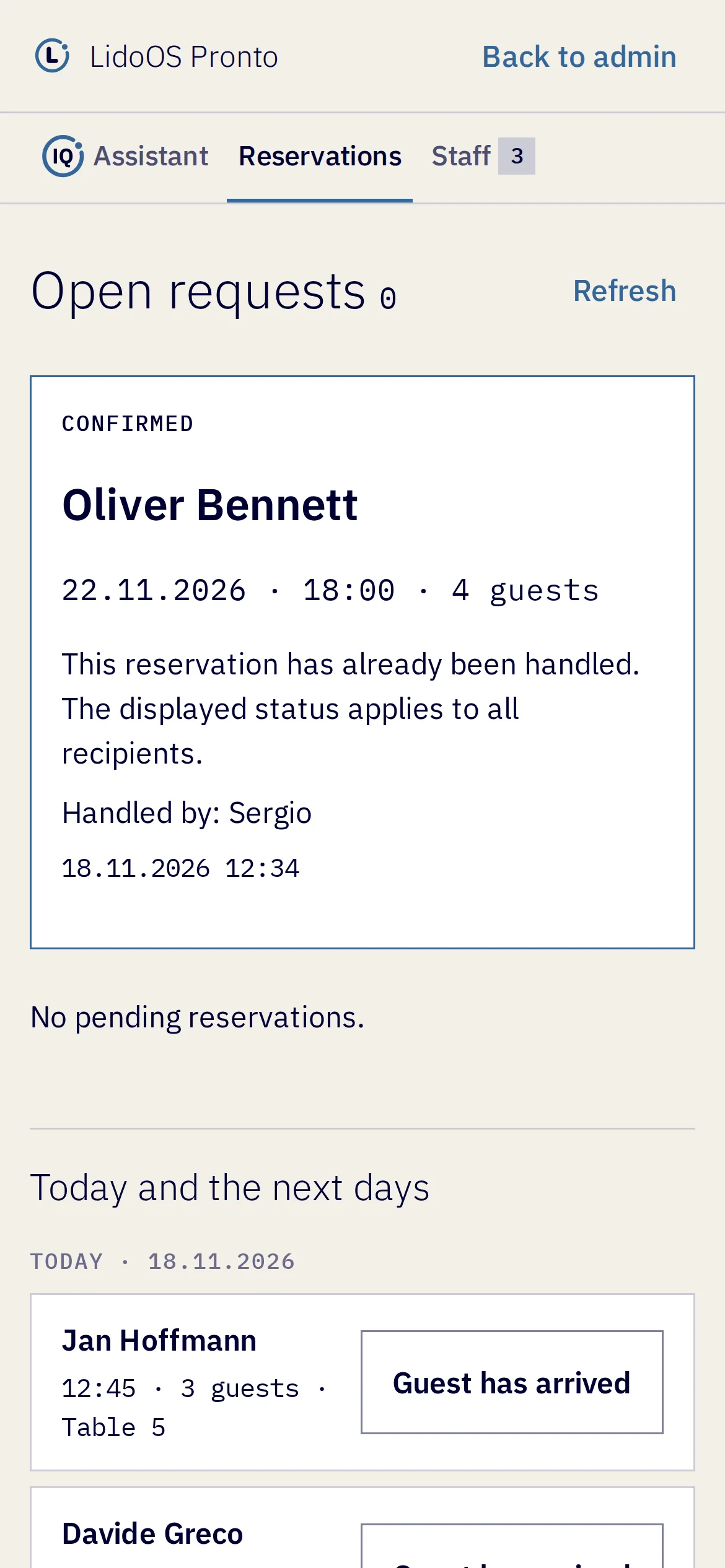
Push notifications alert you to new reservations. Open the request in Pronto, check the details and confirm or decline it. The overview shows today and the coming days. When a confirmed guest arrives today, record their arrival with “Guest is here”.
Demo restaurant Via Palermo
1 Request
2 Confirm
3 Confirmed
Demo restaurant Via Palermo
LidoOS IQ gets it done
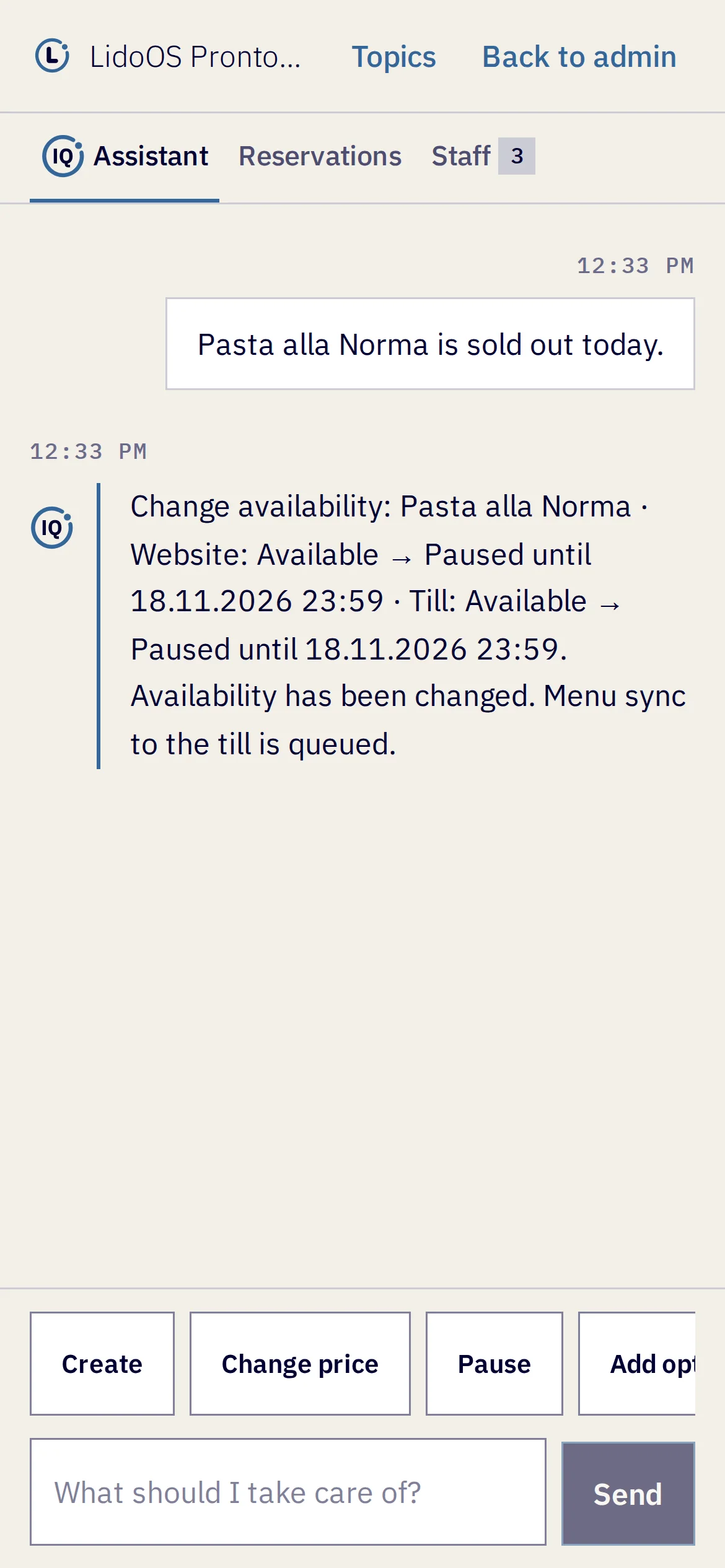
A dish sells out. Tell Pronto.
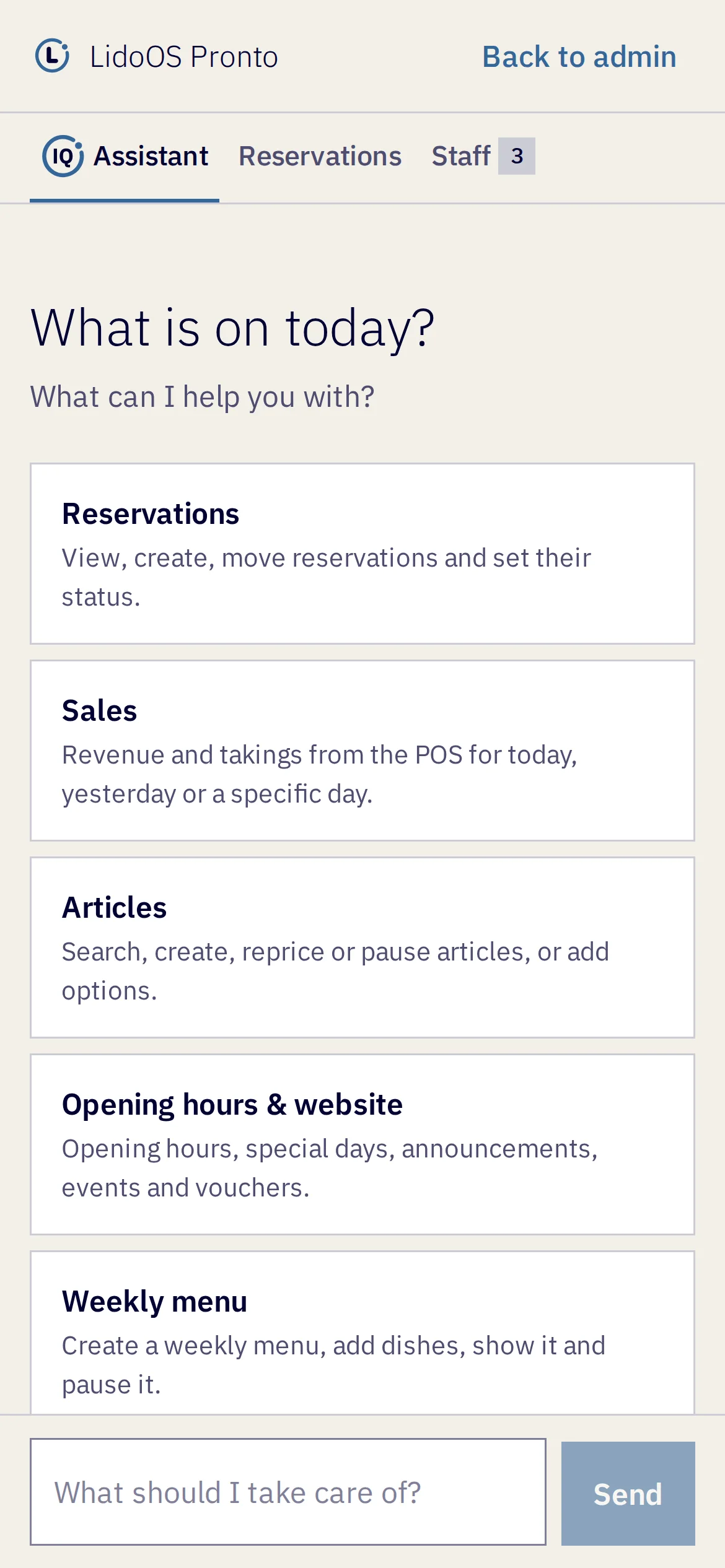
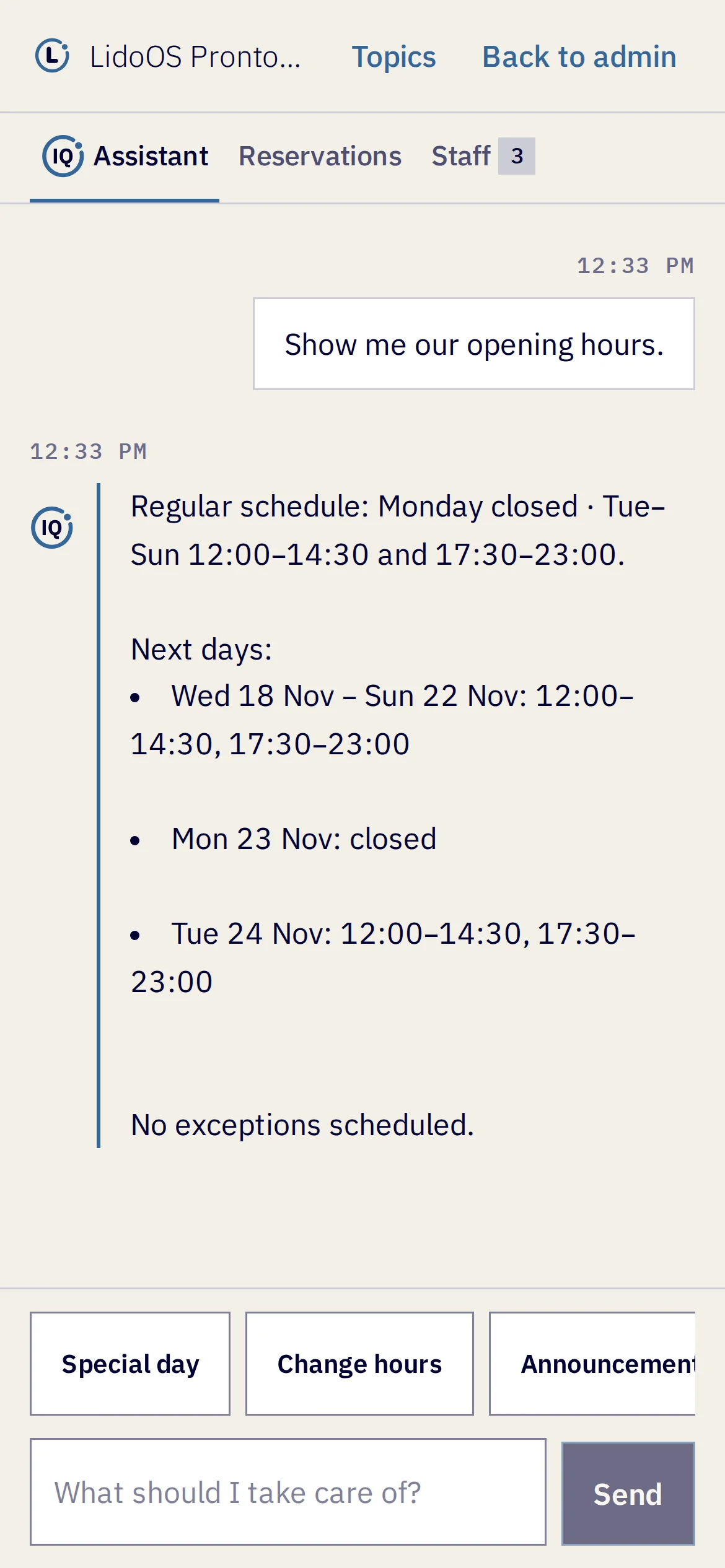
“Pasta alla Norma is sold out today.” LidoOS IQ pauses the dish until the end of the day on your website and connected LidoOS till. For other tasks, choose a topic: reservations, sales, items, opening hours and website, shopping list, weekly menu, support or reporting a problem. The topics you see depend on your permissions.
Choose a topic
Dish paused
Check opening hours
Demo restaurant Via Palermo
Swipe sideways to browse the phone screens.
LidoOS IQ
In Pronto
You give the instruction. LidoOS IQ helps with the work.
LidoOS IQ uses the data and functions available to your restaurant and your role. It asks for missing details and shows you the result.
You decide: for changes to reservations, item details or opening hours, review the card and tap “Confirm”. Item pauses, shopping list entries and pausing a weekly menu are carried out directly on your instruction.
What LidoOS IQ handles in Pronto
Find reservations and prepare changes for confirmation.
Pause dishes, edit item details and opening hours.
Look up till sales, manage shopping lists and weekly menus.
Search the handbook and prepare a message to support.
What LidoOS IQ does not check
Whether suggested ingredients and allergens match the dish you actually serve.
Whether the cash in the wallet matches the expected balance.
Whether a reported problem has been fixed on site.
Check suggestions and results. An answer does not replace checking in the kitchen or counting cash at the end of the evening.
Your team and till at the end of the evening
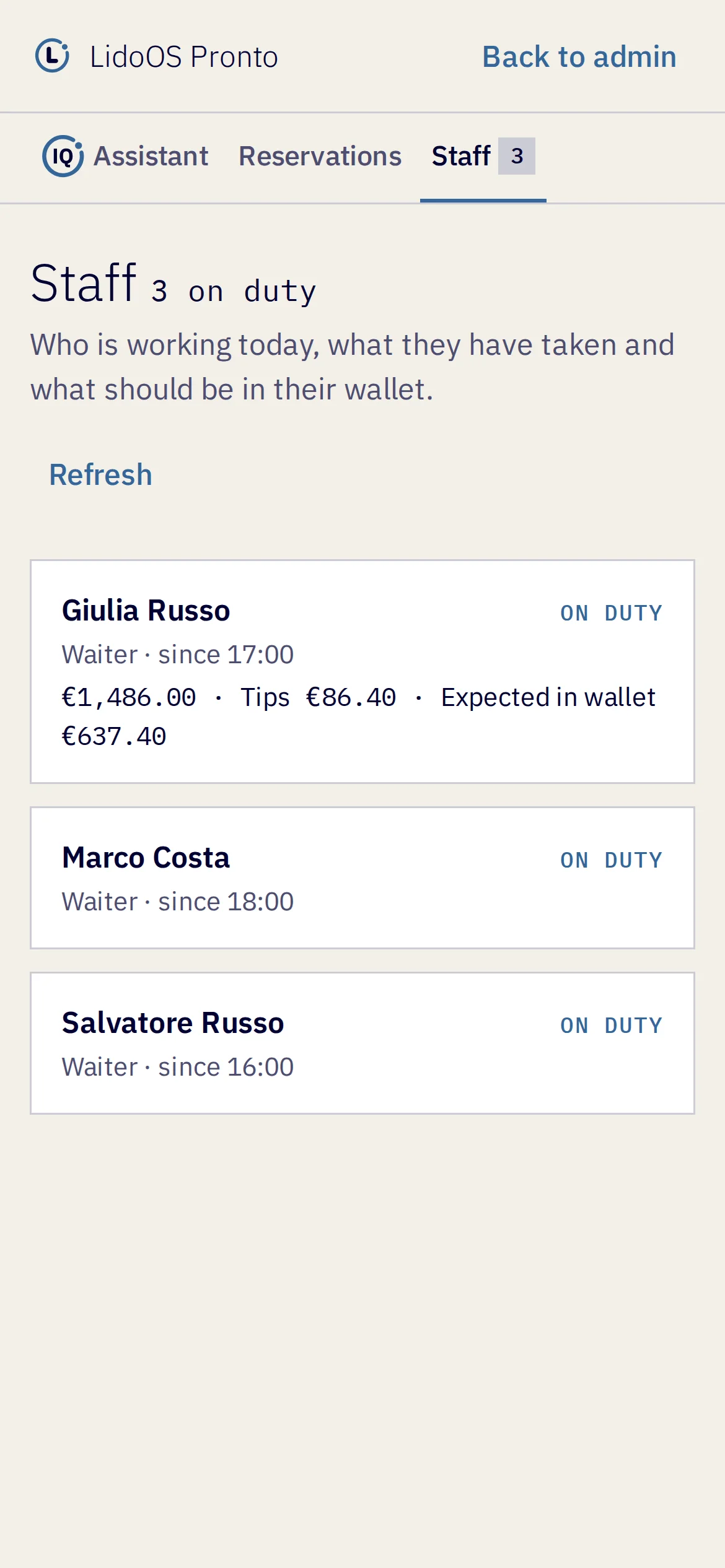
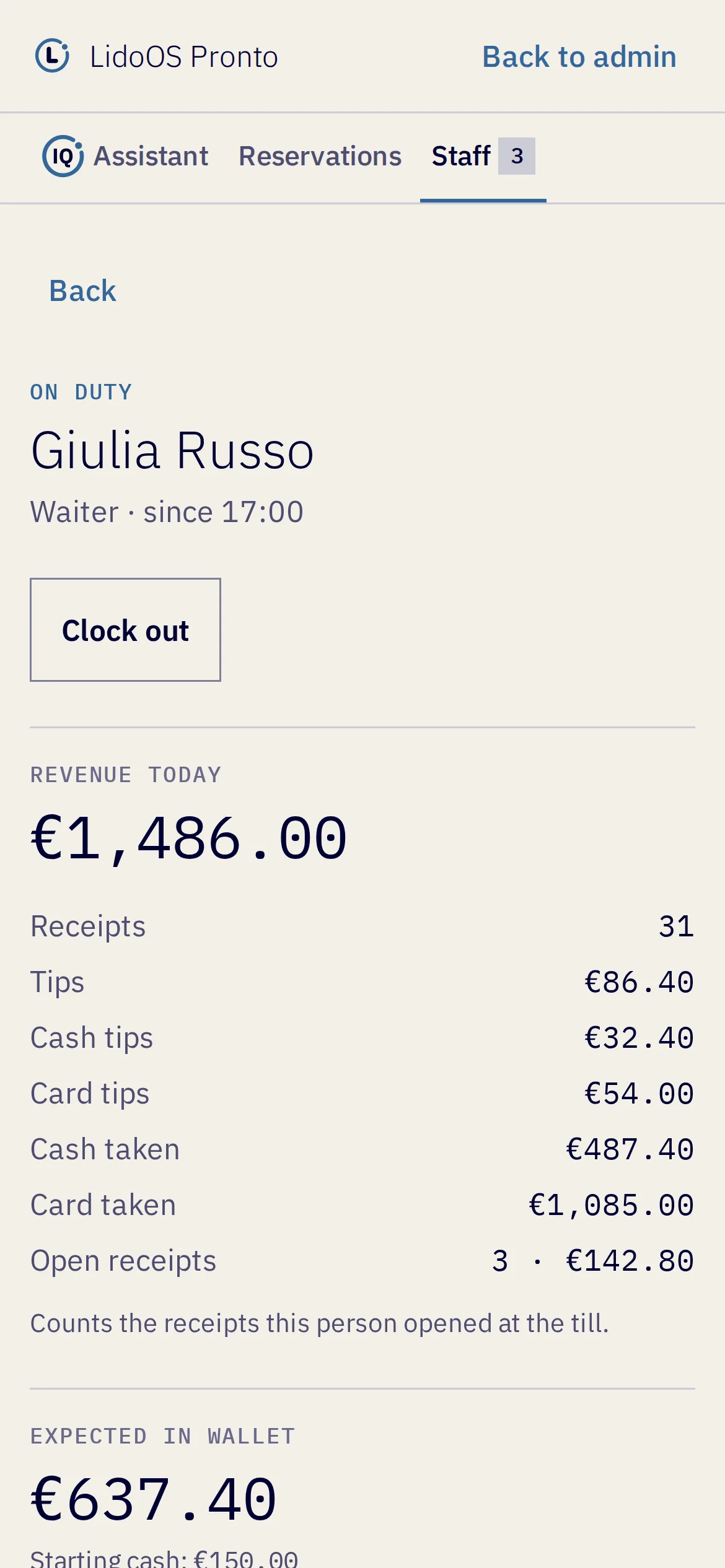
Who is on duty? What is in the wallet?
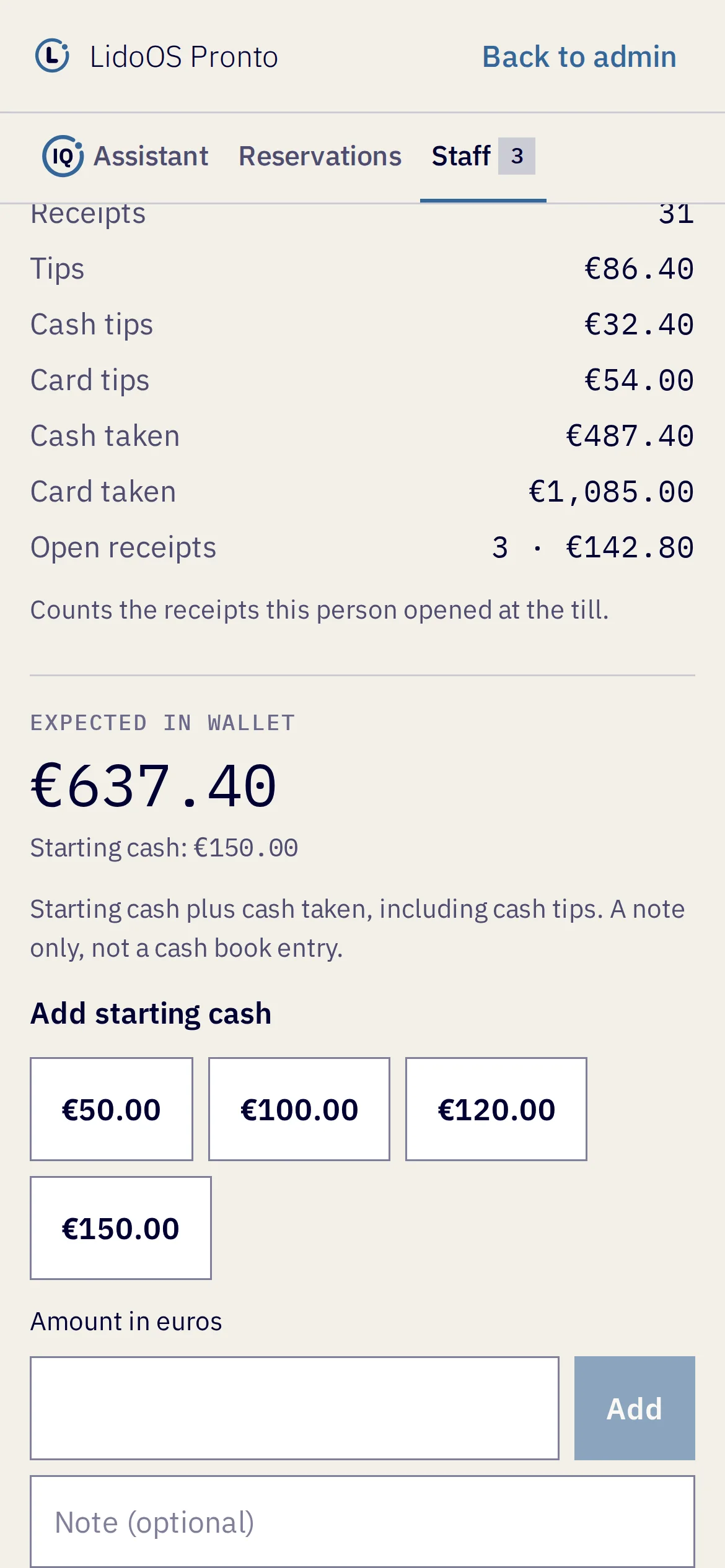
See who is on duty according to time tracking. With the right permissions and a connected LidoOS till, you can see sales, tips and the expected wallet balance for each waiter. Record the opening float as a note; it is not a cash book entry. Email your team instructions for clocking in by QR code or their daily settlement.
Team on duty
Sales and tips
Expected wallet balance
Demo restaurant Via Palermo
Swipe sideways to browse the phone screens.
On your home screen
Add it once. Open it directly.
Add Pronto to your home screen from your browser. On supported devices, set up a passkey and sign in with your fingerprint or Face ID. For push notifications, open the installed app and allow notifications.
Demo restaurant Via Palermo
Requirements and limits
What Pronto needs to help you.
You need a LidoOS account with the right permissions. Staff and sales data are restricted to authorised management.
Till figures and the shopping list need a connected LidoOS till. Without a reachable till, there is no reliable expected wallet balance.
Push needs an installed app, your permission and a supported browser. On iPhone and iPad, iOS 16.4 or later is required.
You cannot make changes without an internet connection. LidoOS IQ also needs the AI service to be reachable.
Short answers
Questions about Pronto?
Is the data real?
The images show the demo restaurant Via Palermo with fictional guests and staff. Till figures are simulated for the demo.
Do I confirm every change myself?
LidoOS IQ shows many changes as a card first. They are applied only after you tap “Confirm”. Reversible actions such as pausing an item, shopping list entries or pausing a weekly menu are carried out directly on your instruction.
Do I need a LidoOS till?
Not for reservations and other enabled tasks in Nova. Till sales, tips, the expected wallet balance and the shopping list need a connected LidoOS till.
Is Pronto also for shift managers?
Yes. Available topics and views depend on the signed-in user’s permissions. Not every shift manager automatically sees sales and staff data.
Can I use Pronto without internet access?
You cannot make changes without a connection. Reconnect your phone to the internet before continuing.
All names and data shown are fictional. Till figures are simulated for the demo.
Your working day. Your Pronto.
Talk to us about how Pronto fits your restaurant and your management team’s tasks.